
01
$0no subscriptionFree
- Core streaming and recording
- One active account device
- Three cloud-saved destinations
Produce · Android testing
Build scenes, mix cameras and media, monitor your signal, and broadcast from Android with a professional Rust-powered streaming engine.
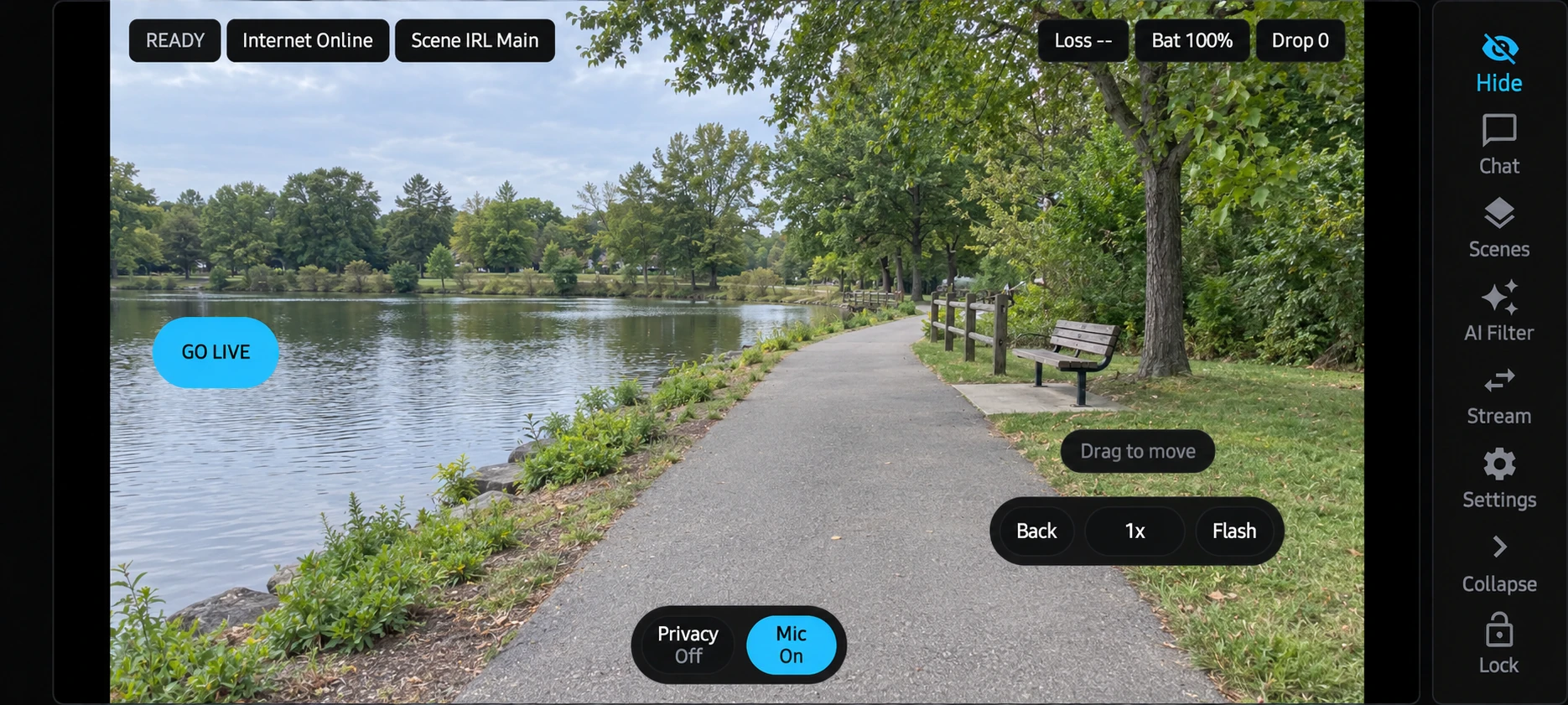
Built for the workflow
RTMP, SRT, SRTLA, WHIP and LL-HLS workflows
Scenes, overlays, local recording and recovery controls
Twitch, Kick, and SOOP account connections and combined chat
Twitch, Kick, and SOOP broadcasting, emotes, badges, and platform-supported alerts
Relay health, adaptive bitrate and desktop companion tools
[f]Stream on Android
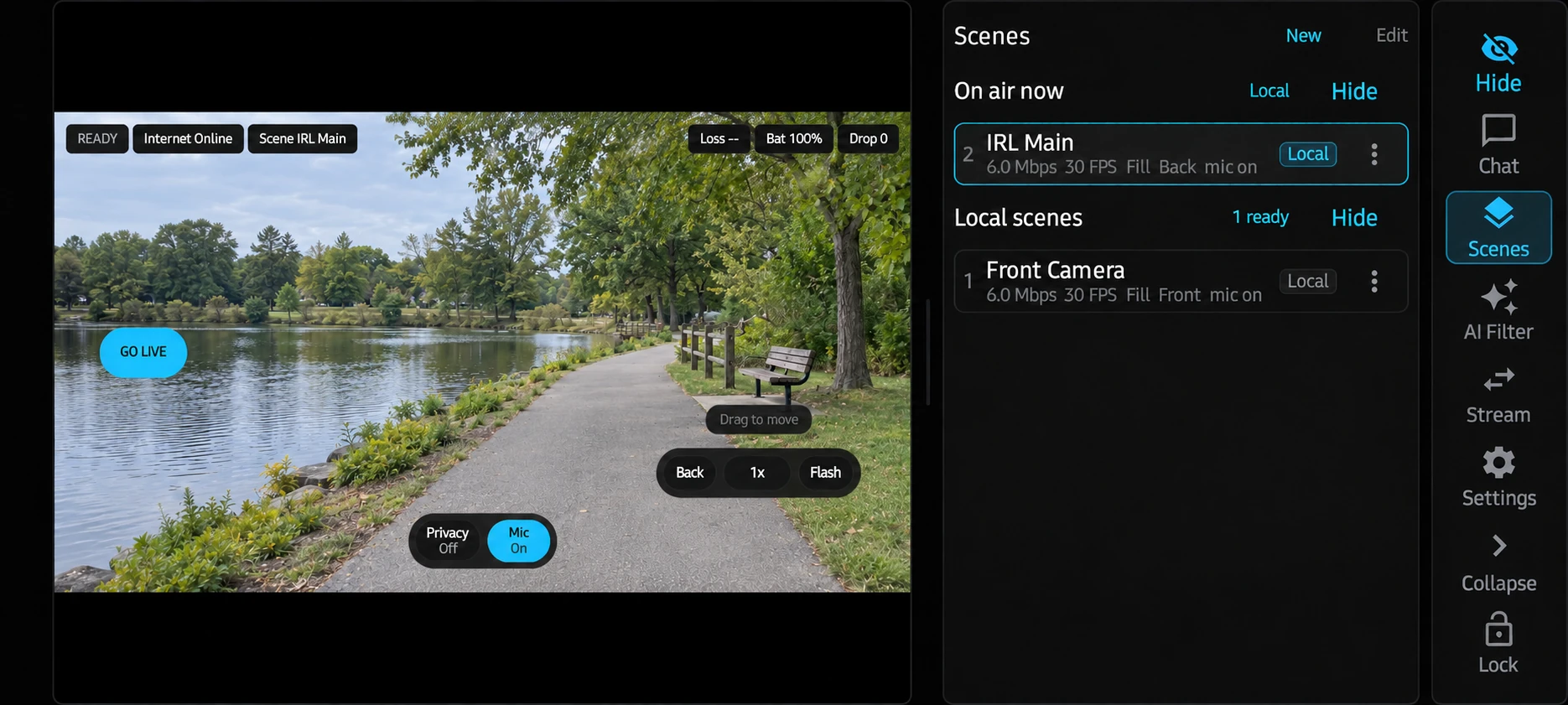
Keep your active scene and camera presets within reach.
Illustrative camera preview.View full size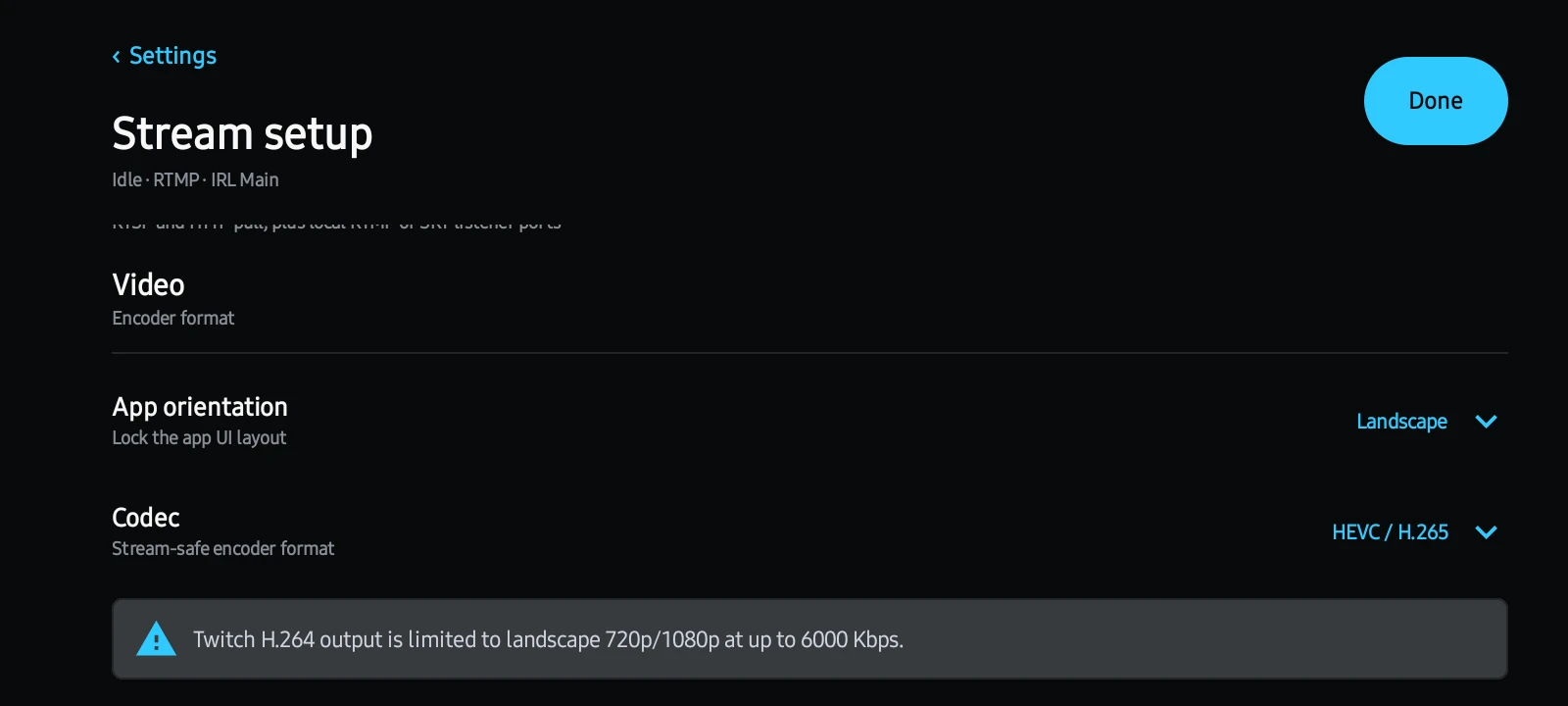
Configure video output for your destination.
View full sizePlans
Core broadcasting stays useful without a subscription. Ad-free removes advertising with Core limits; Creator includes Ad-free and expands account limits. Auto Server remains separately metered.
Auto Server
Server size depends on video settings, destinations, and screen workload. Top up fKey Credits for service value; estimated hours depend on the accepted server rate. Purchased credits do not expire. Creator does not include recurring credits. Current purchase availability is shown in your account.
Latest release
Choose your platform or installer. Preview packages may require manual installation.
Step 1 · Use the Google account on your Android device
Step 2 · Opt in after your group membership is active
Step 3 · Android · Version 1.0
Part of the complete fKeyLabs workflow.
Explore all products →